
The Vault
From product selection to order tracking, in one place.
The Vault is where AT&T reps browse hardware, see eligible pricing, place orders, and track fulfillment with Deployed Dynamics.
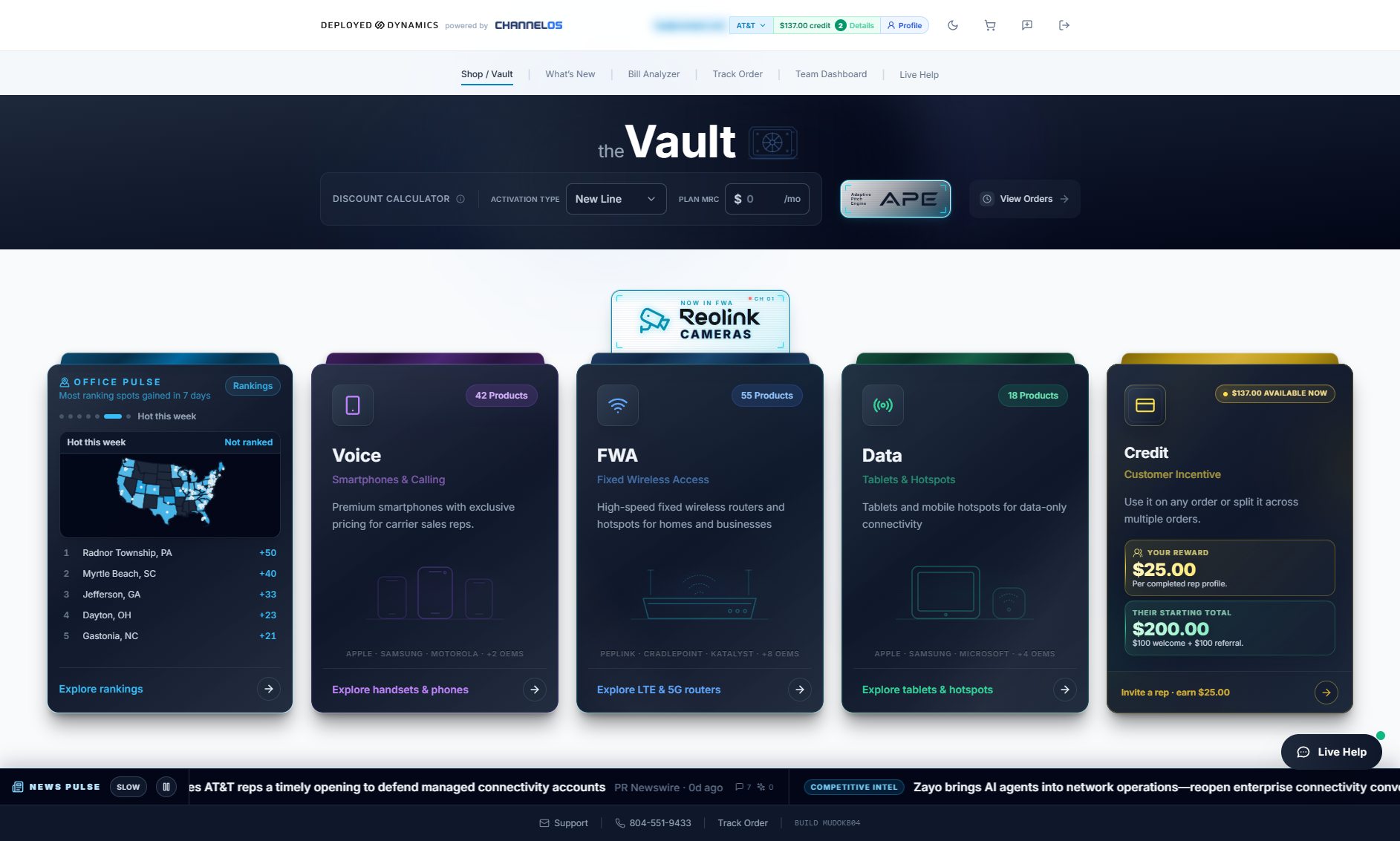
01 Browse
Find the right hardware fast.
A curated catalog organized by category and manufacturer, with current promotions shown on every card.
- Voice, FWA, and data categories grouped by OEM
- Featured products and FirstNet-certified filters
- Details, comparison, and quotes from any card
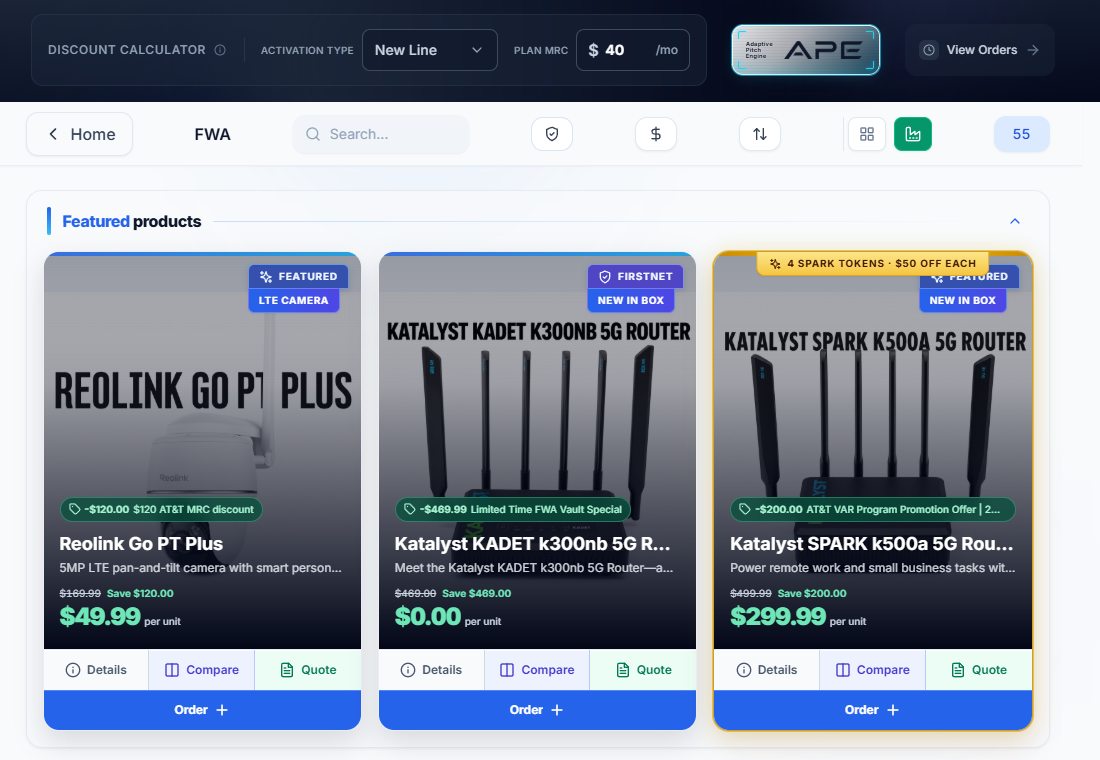
02 Price
Show the real number while the customer is listening.
Enter the activation type and plan MRC, and every eligible device reprices to what the customer actually pays.
- Eligible credits applied per device
- Original price and savings side by side
- Clear view of what the customer pays
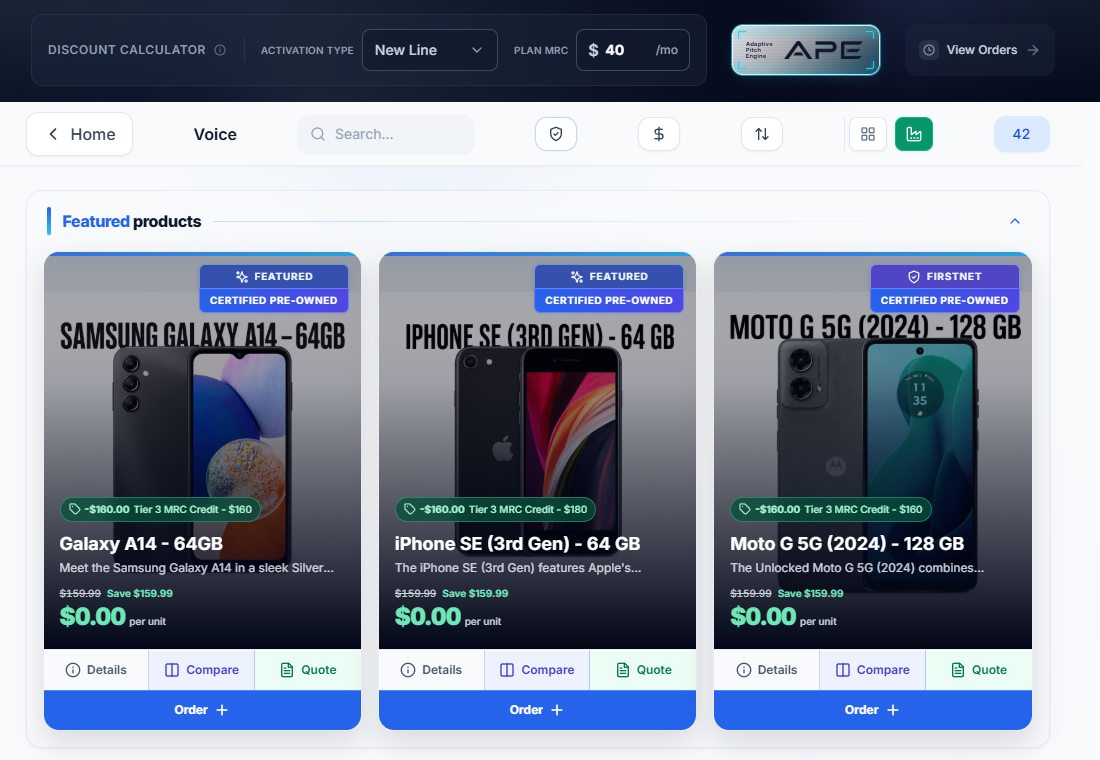
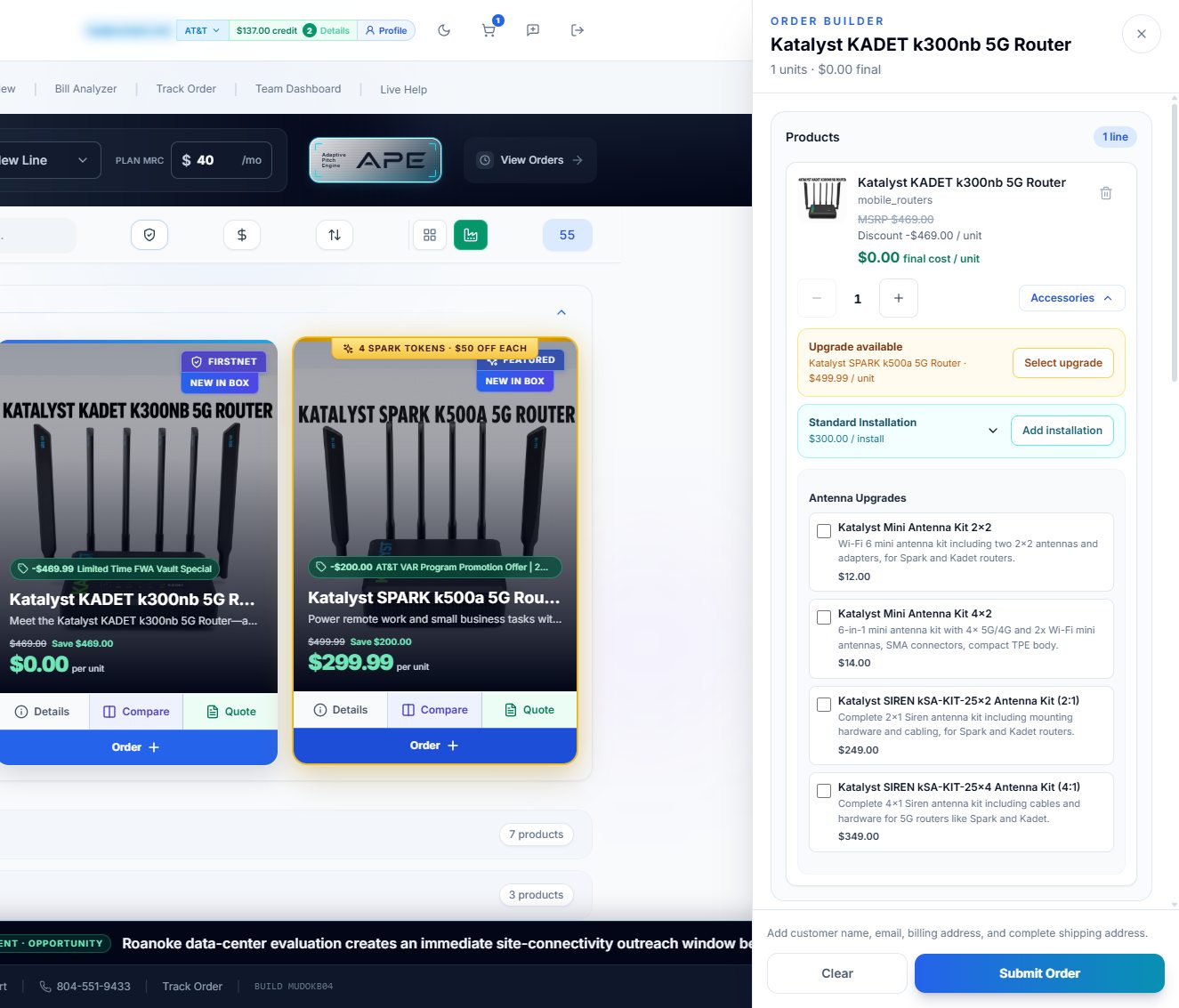
03 Order
Build the complete order in one panel.
Set quantities, add upgrades, installation, and accessories, then submit on your customer’s behalf or send them a secure link.
- Discounted final cost per unit
- Upgrade, installation, and antenna add-ons
- Secure customer review links
04 Track
Every order, every status, one screen.
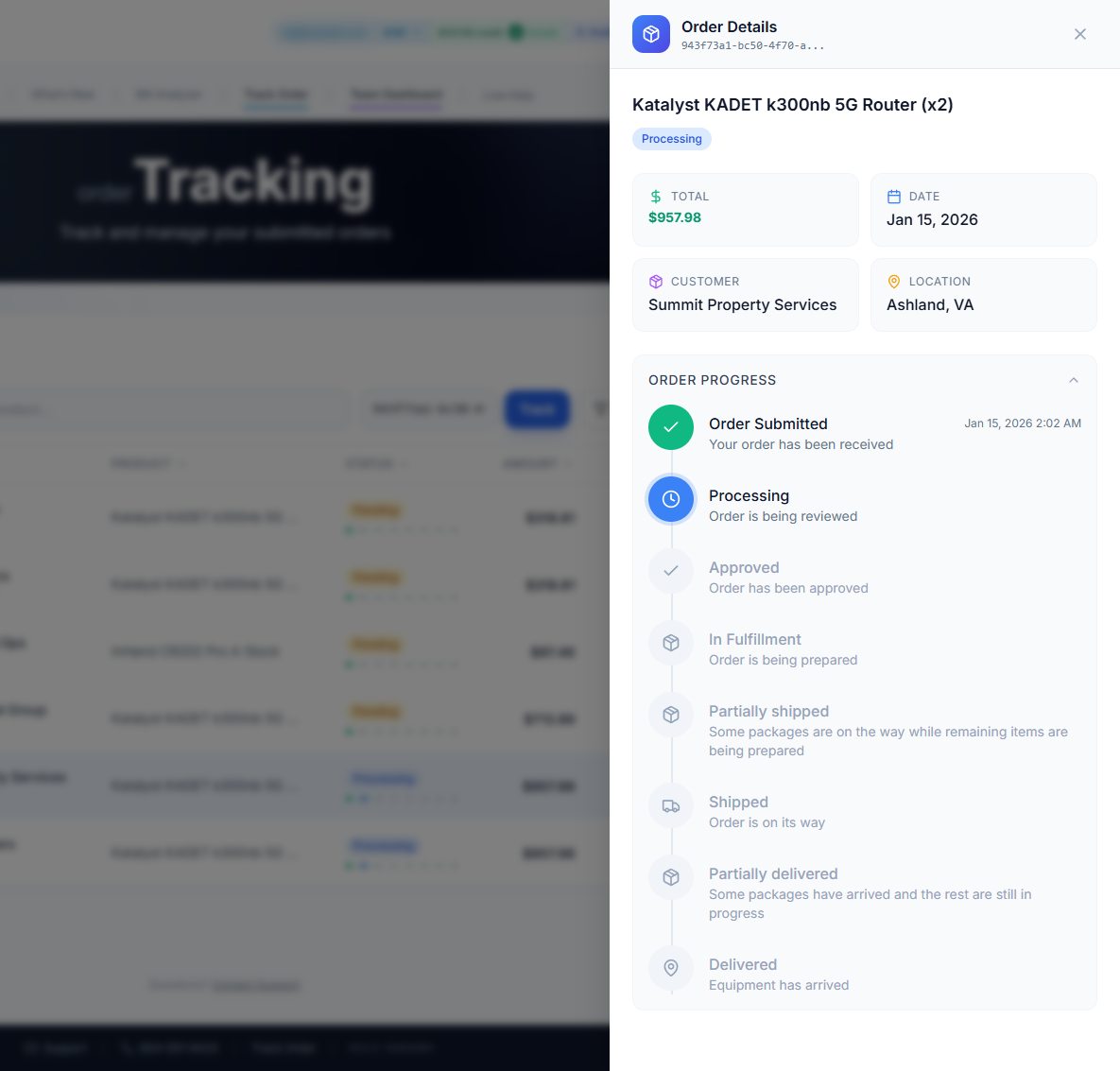
Follow each order from submission to delivery. IMEI and SIM details post to the order as soon as they’re ready.
- Status at each stage, including partial shipments
- IMEI and SIM export to CSV
- Email confirmations for you and your customer
- Submitted
- Confirmed
- Shipped
- IMEIs ready
- Delivered
Also in The Vault
Tools for the conversation, not just the order.

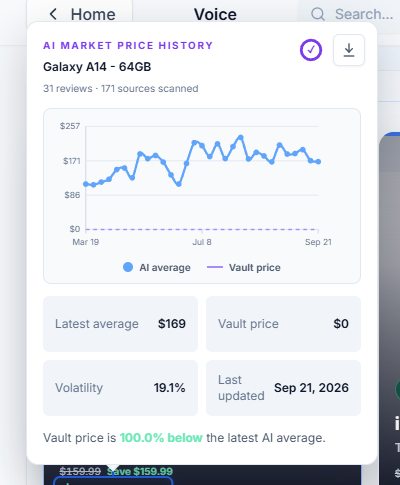
AI market price history
See how the Vault price compares with the market average across scanned sources.
Bill analyzer
Upload a customer’s bill to surface line charges, device balances, and savings before the meeting.
Customer-ready quotes
Build a quote with current pricing and shipping to send after the call.
Side-by-side comparison
Compare devices on the specs that matter to the customer.
Customer handoff links
Let the customer review and configure the offer securely.
Live help
Reach the support team from inside The Vault when an order needs attention.
ChannelOS is the ordering platform Deployed Dynamics built for carrier channel sales. The Vault is the rep-facing workspace on top of it.
Getting started
Sign up in a couple of minutes.
Trouble signing in? Email support@deployeddynamics.com.
- 1
Sign up with your carrier email
Enter your AT&T business email on the Vault sign-in page.
- 2
Verify with a one-time code
Receive a code by email or text. No password to set up.
- 3
Browse and build
See eligible pricing and build your first order.